
Your Google Business Profile Got Suspended. Here's What Actually Happened, and What to Do Next
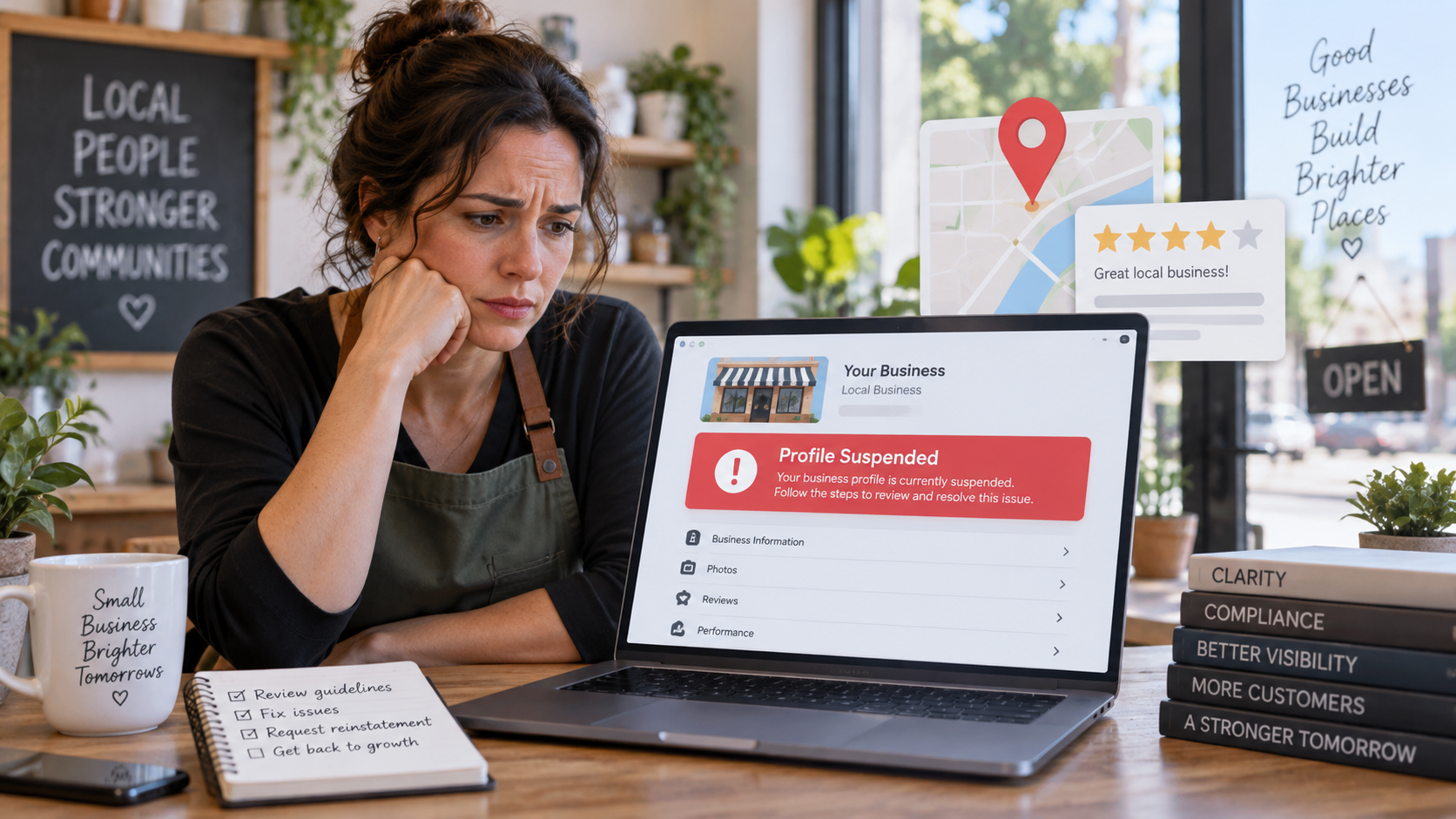
Most suspensions in Northeast Florida come down to one of four things: the address, the business name, the phone number, or a duplicate profile. Google's own guidelines say as much. The frustrating part for owners is that the suspension email rarely tells you which one.
A junk removal crew in Mandarin, a roofer working out of a home office in Nocatee, a plumber who put "24/7 Emergency" in the profile name. Each of those setups is common. Each one can trip a rule.
What a suspension does to your calls
When Google removes a profile, the public can't see it, and the owner and managers can't edit it. That means no Maps pin, no local pack listing, no reviews visible, no click-to-call. For a service business that gets most of its inbound calls from "plumber near me," that's the front door closing.
You'll usually notice it one of two ways. The profile disappears from Maps when you search your own name, or you get an email or a dashboard notice saying the profile has been suspended. Sometimes the notice arrives after you've already lost a few days of calls.
Why Google suspends profiles
Google publishes its rules in a page called Guidelines for representing your business on Google. The rules that catch local service businesses most often:
Address problems
P.O. boxes and remote mailboxes aren't allowed. A virtual office (an address you rent but don't work from) is not eligible. A co-working space only qualifies if it has your signage, is staffed by your people during business hours, and receives customers. If you show an address publicly, Google expects permanent signage there.
Service-area setup
If you travel to customers and don't have a storefront, you get one service-area profile with the address hidden. Running a plumbing business from a house in Julington Creek is fine; showing that house address on the profile is not. Google also says your service area shouldn't stretch much beyond about two hours of driving from your base.
Business name stuffing
The name on the profile has to match the real-world name on your truck, your invoices, and your website. Taglines, phone numbers, service descriptions, city names, and "LLC" (unless it's on your actual signage) are all prohibited additions. "Coastal Roofing" is acceptable. "Coastal Roofing | Best Roofer in St. Augustine" is a suspension waiting to happen.
Phone and website
The number must be under your direct control and should be local rather than a call center or tracking number that redirects. Website links can't point to a lead-gen landing page or a social profile in place of your actual site.
Duplicates
One profile per location. Owners often create a second one by accident after an old employee's account goes missing, or after a rebrand. Google treats that as a violation.
Category misuse
Pick the fewest categories that describe what the business is. Loading up categories to chase keywords is flagged as spam.
There's a second kind of suspension worth knowing about. Google can restrict your Google Account itself rather than just the profile. When that happens, every profile you manage goes down with it, and you have to appeal the account restriction first, then appeal each profile separately.
The appeal process, as it exists today
Google runs appeals through a dedicated appeals tool, not through support chat. The tool shows you the restricted profile, the reason for the action, and a link to the policy it says you violated. That reason is the most useful information you'll get from Google, so read it before you do anything else.
The steps in order:
- Fix the profile first. If the name has a tagline in it, remove it. If a residential address is showing on a service-area business, hide it. Appealing a profile that still violates the rule is a wasted appeal.
- Gather evidence before you open the tool. Google's page lists business registration, a business license, tax certificates, and utility bills (electric, phone, water, internet). The name and address on the documents have to match the profile exactly.
- Submit the appeal, then add evidence. Google gives you 60 minutes from opening the evidence form to submit it, or the evidence doesn't attach. Have the files ready on the device before you start.
- Do not create a new profile while the appeal is under review. Google states this in bold. A second profile during an appeal typically makes both worse.
- If the appeal is denied, request an additional review and include evidence you didn't submit the first time.
Google doesn't publish a turnaround time for appeals on its help page. In my experience the wait varies, and the quality of the first submission matters more than speed. A clean profile with matching documents on the first pass beats three rushed attempts.
What to check before you touch anything
Pull up your profile and your website side by side. Confirm the business name is identical, character for character. Confirm the address is either hidden (service-area) or a real, signed, staffed location. Confirm the phone number rings to you and appears the same way on the website. Search Google Maps for your business name and make sure only one listing comes back.
If something doesn't match, fix the website and profile to agree with your legal documents, then appeal. If everything matches and you're still suspended, the reason shown in the appeals tool is where to look next.
Where we come in
Grow Local Flow works with business on reinstatement and verification in Jacksonville, St. Augustine, and St. Johns County. That work is reading the violation reason, auditing the profile against the current guidelines, cleaning up the website and citation mismatches that caused it, assembling the evidence package, and writing and submitting the appeal. If the first appeal is denied, we handle the additional review.
If your profile is down right now, don't open a new one. Email us the business name and the notice Google sent, and we'll tell you what we think tripped it before you spend anything.
Verification failures usually share the same causes as suspensions, we can help there as well. Check out our post on Google Business Profile Verification and our Google Business Profile Optimization services.
Helpful Google links as of September 2026:
Fix suspended or disabled profiles
Guidelines for representing your business on Google
Verify your business on Google
About the Author: Chuck Anderson is the founder of Grow Local Flow and spent more than 20 years leading transformation and digital initiatives at JPMorgan Chase before launching Grow Local Flow to help Jacksonville and St. Augustine small businesses improve their online visibility.
Ready to Get Found by More Local Customers?
Start with our Free
Local Visibility Review. We'll show you where your business stands today and the highest-impact items to start engaging with new customers in 60 to 90 days. No sales pitch.
Simple, Transparent pricing | locally owned & operated
Local Visibility Services for Jacksonville, St Augustine & St Johns County Small Businesses
Get found on Google, Google Maps, and AI search tools like ChatGPT, and turn that visibility into calls and customers. As a local St. Johns, FL business, we understand the market, the community, and what local customers are looking for. Plain-English plans, no long term contracts.
Get found on Google, Google maps, and AI search tools like ChatGPT.
Monthly Marketing Plans starting at $299/month for Starter Plan and up to $1,199/month for Complete Visibility plan
Show up in Google results and maps where local customers are searching.
Google Business Profile Optimization for $299 one time, and on-going management for $299/month
Mobile-first, conversion-focused websites built to turn visitors into leads.
Custom Website setup for $199, then $89/month for ongoing hosting and support
See where you stand on Google, Maps and if AI tools like ChatGPT find you.