
Why Isn't My Business Showing Up on Google Maps?
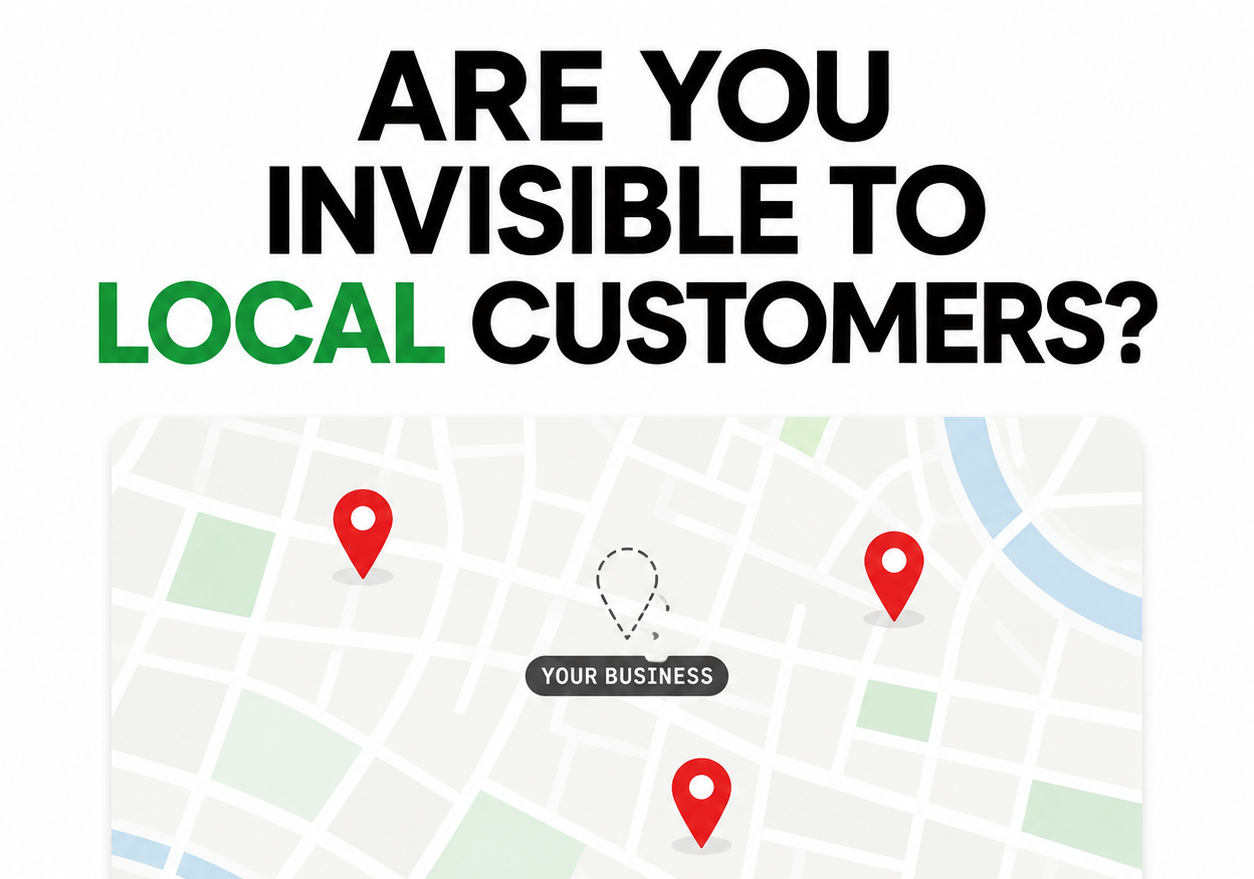
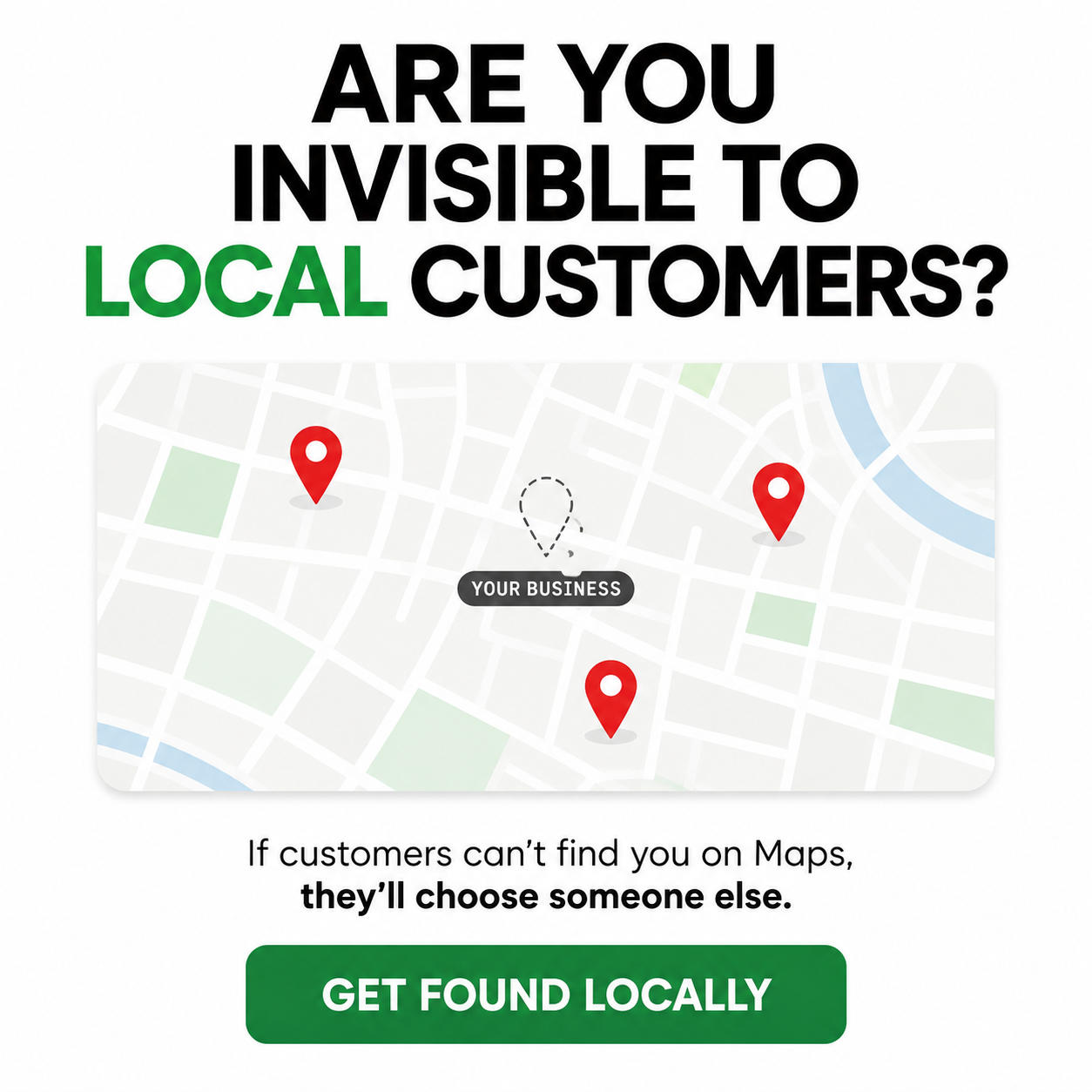
Why Your Business May Not Show Up on Google Maps
Most Google Mapsproblems fall into one of four situations. The business is missing entirely, it appears only when searched by name, it ranks nearby but disappears across town, or it shows in Maps while the website remains weak in ordinary Google results.
Those situations have different causes. Start by identifying which one you have. Random profile edits can trigger re-verification or make the problem harder to diagnose.
For a Jacksonville or St. Augustine business, the first checks are verification, profile status, primary category, location setup, duplicates, and the accuracy of the information customers see.
First, decide whether the business is absent or simply ranking low
Search the exact business name and city. Then search the main category from several points inside the service area.
If the business does not appear for its own name, check whether the profile is verified, suspended, disabled, marked closed, or duplicated. If it appears by name but not for the service, the problem is more likely relevance, distance, or prominence.
If Maps looks reasonable but the website is missing from normal search results, move beyond the profile. The site may have thin service pages, indexing problems, weak local information, or technical errors.
This distinction saves time. Profile optimization will not fix a website blocked from Google, and a new blog post will not restore a suspended profile.
Google uses relevance, distance, and prominence
Google describes local ranking with three factors:
- Relevance: how closely the profile matches the service or category searched
- Distance: how far the business is from the searcher or named location
- Prominence: how established the business appears based on reviews, links, mentions, and other information
Google's local ranking page is direct about this framework. Distance explains why a company may rank well near Baymeadows but disappear from the Beaches. No setting can make one location equally close to every customer.
You can improve relevance and prominence. You can also target the areas where the business has the strongest service capability and proof.
An unverified or restricted profile can disappear
Sign in to the Google account that owns the Google Business Profile and read the status. Complete any available verification step. If the profile is suspended or disabled, identify the policy issue before filing an appeal.
Common problems include a keyword-stuffed business name, an ineligible virtual office, an address that does not meet storefront rules, duplicate profiles, or a service-area business showing a residential address.
Gather real-world evidence such as signage, licenses, utility bills, business registration, vehicles, equipment, and access to the premises as applicable. Cover private customer or account details before submitting evidence.
Do not create a replacement profile. A duplicate can split reviews, confuse customers, and complicate reinstatement.
The primary category may be too broad
Categories tell Google what the business is. A plumber using a general contractor category is giving the system the wrong signal.
Choose the most specific available primary category that describes the core business. Add a small number of secondary categories for other real services. Avoid selecting a category for every item the company sells.
Category changes can prompt re-verification. Make one justified change, document it, and allow time for review instead of changing categories repeatedly.
A service area does not create a ranking radius
Service areas tell customers where the company works. They do not move the business location or guarantee visibility in every city selected.
For a mobile company based in St. Johns, adding Jacksonville, Orange Park, Fleming Island, Nocatee, Ponte Vedra, and St. Augustine may accurately describe coverage. It will not make the company equally close to searchers in each market.
Use up to 20 real service areas and keep the overall region practical. A service-area company should hide an address where customers are not received. A hybrid or storefront business should show the address only when it meets Google's requirements.
Incomplete information weakens relevance and trust
Review the profile field by field. Correct the phone number, website, hours, holiday hours, services, business description, appointment links, attributes, and photos.
The profile should agree with the website. A Maps listing that says the company serves St. Augustine while the website mentions only Jacksonville leaves an obvious gap.
Completeness helps Google match the profile to relevant searches and helps customers decide. It does not require filling optional fields with filler.
Conflicting listings can point customers to the wrong business
Search the business name, old names, phone number, and address. Check major platforms such as Apple Maps, Bing, Yelp, Facebook, and relevant industry directories.
Fix material conflicts first: an old phone number, former address, wrong URL, duplicate location, or closed listing. Minor formatting differences such as "Suite" versus "Ste." are less important when the information still identifies the same place.
Use one canonical record for the business. Store it in a simple internal document so future listings and vendor work start with the right details.
Reviews support prominence and customer confidence
Google states that review count and positive ratings can help local ranking. Ask recent customers for honest reviews, send the direct link, and reply to new feedback.
Keep the requests steady. A burst of reviews followed by a year of silence looks less useful to a customer than a normal stream tied to real work.
Do not offer incentives or ask employees, friends, or family to manufacture feedback. Policy violations can remove reviews and damage the profile.
The website reinforces what the profile says
Google uses information from the broader web when evaluating local results. The connected website should clearly explain the core services, location or service area, contact information, and evidence that the business is legitimate.
Create separate service pages before publishing thin city pages. A Jacksonville electrician will usually benefit more from strong pages for panel upgrades, EV charger installation, troubleshooting, and emergency service than from twenty copied neighborhood pages.
Add useful local pages where the information differs. Mention local permitting, housing types, response areas, seasonality, or other real constraints when they affect the service.
Maps visibility changes by neighborhood
Test from several locations instead of searching once from the office. A small grid scan can show where the business appears around Mandarin, Southside, Riverside, Ponte Vedra, and northern St. Johns County.
Use the same query and a consistent schedule. Record the profile changes made between scans. BrightLocal or another local rank-grid tool can help, but a tool is only useful when the query and map points match the real customer market.
Do not chase every daily fluctuation. Look for an area-wide pattern over several weeks.
Fix problems in the right order
- Resolve suspension, disabled status, closure, ownership, or verification problems.
- Remove or merge duplicate profiles through the correct Google process.
- Correct the primary category, business name, address or service-area setup, phone, website, and hours.
- Align the website and major listings with the profile.
- Improve services, photos, reviews, local pages, and relevant mentions, then measure the change.
Make one meaningful group of corrections at a time. Keep notes. If visibility drops after a major edit, the change log gives you somewhere to start.
When the problem is ordinary Google Search
Some businesses appear in Maps but cannot find their website in the organic results. Check Google Search Console and search for the exact site URL. Confirm the important pages are indexed and not blocked by robots.txt, a noindex tag, a login, or an accidental canonical setting.
Then review the content. A single homepage may not give Google enough information to rank the site for several services and markets. Build the core pages, improve internal links, and make the location relationship clear.
Maps and organic search support each other, but they remain different result systems. Diagnose both.
Frequently Asked Questions
Why isn't my business showing up on Google Maps?
Google ranks local results using relevance, distance, and prominence. When a business does not appear, one of those signals is usually missing or weak. The most common causes are an unverified or suspended profile, a wrong or missing primary category, an incomplete profile, inconsistent business information across the web, too few reviews, duplicate listings, or a website with no local relevance
Does my Google Business Profile category affect my ranking?
Yes. Your primary category is the single strongest relevance signal on a Google Business Profile. A plumber listed under a general category like contractor will lose to a competitor listed specifically as plumber. Set the most specific primary category for your core service, then add secondary categories for other services.
Why do I rank well in one part of town but not another?
Distance is one of Google's ranking factors, so your visibility changes based on where the customer is searching from. You may rank at the top near your location and lower across town. That is normal. You can widen the area where you compete by improving the factors you control, such as a complete profile, steady reviews, consistent business information, and location-specific pages on your website.
How do reviews affect whether I show up on Google Maps?
Reviews are a major prominence signal and influence both your ranking and whether a customer chooses you. A steady stream of reviews over time signals an active, healthy business. A profile with a few old reviews will usually sit below a competitor collecting new reviews every month.
Get a Free Local Visibility Review
Grow Local Flow's Free Local Visibility Review checks whether the Business Profile is visible, how it ranks across the service area, whether the main business details conflict, and whether the website supports local search.
You may also be interested in the following services:
Jacksonville Google Business Profile optimization services
St. Augustine Google Business Profile optimization services
About the Author: Chuck Anderson is the founder of Grow Local Flow and spent more than 20 years leading transformation and digital initiatives at JPMorgan Chase before launching Grow Local Flow to help Jacksonville and St. Augustine small businesses improve their online visibility.
Ready to Get Found by More Local Customers?
Start with our Free
Local Visibility Review. We'll show you where your business stands today and the highest-impact items to start engaging with new customers in 60 to 90 days. No sales pitch.
Simple, Transparent pricing | locally owned & operated
Local Visibility Services for Jacksonville, St Augustine & St Johns County Small Businesses
Get found on Google, Google Maps, and AI search tools like ChatGPT, and turn that visibility into calls and customers. As a local St. Johns, FL business, we understand the market, the community, and what local customers are looking for. Plain-English plans, no long term contracts.
Get found on Google, Google maps, and AI search tools like ChatGPT.
Monthly Marketing Plans starting at $299/month for Starter Plan and up to $1,199/month for Complete Visibility plan
Show up in Google results and maps where local customers are searching.
Google Business Profile Optimization for $299 one time, and on-going management for $299/month
Mobile-first, conversion-focused websites built to turn visitors into leads.
Custom Website setup for $199, then $89/month for ongoing hosting and support
See where you stand on Google, Maps and if AI tools like ChatGPT find you.